Best Scavenger Hunt Mobile App: How to Build a QR Code Hunt in 15 Minutes
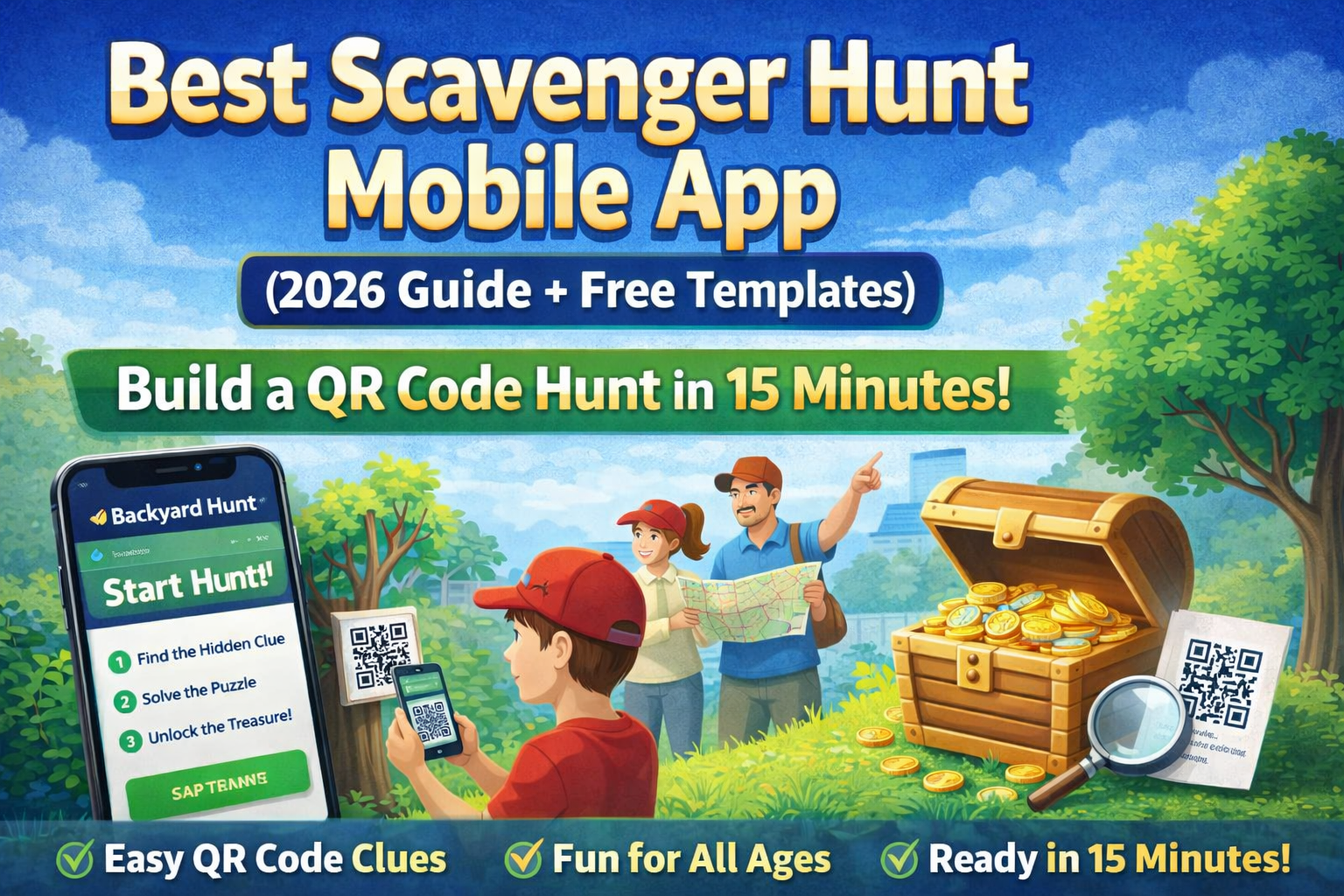
Looking for the best scavenger hunt mobile app to run an event without spending hours planning? This guide shows you exactly how to build a fun, QR code-powered hunt in about 15 minutes using Backyard Hunt.
Whether you are organizing a birthday party, school activity, family weekend game, or team-building event, this setup gives you a repeatable structure that is easy to run and simple for players to join.
What Makes a Great Scavenger Hunt App?
If you are comparing options, prioritize these features:
- Fast setup (under 20 minutes)
- QR code support for clue progression
- Shareable private hunts
- Flexible clue types (text, puzzle, photo, etc.)
- Works for kids and adults
Backyard Hunt is built around those core needs, with templates, clue modules, and printable options that reduce prep time.
Start here: Backyard Hunt homepage
Build a QR Code Scavenger Hunt in 15 Minutes
Step 1: Choose Your Hunt Goal (2 minutes)
Pick one clear objective:
- Find a final treasure
- Complete all stations fastest
- Solve a final message from all clues
Define this first so your clues feel connected instead of random.
Step 2: Pick 6-10 Locations (3 minutes)
Map a simple route:
- Indoor: couch, bookshelf, shoe rack, kitchen table
- Outdoor: tree, mailbox, bench, garden corner
- Mixed: 3 indoor + 3 outdoor for pacing
Tip: alternate easy and medium clue locations so players stay motivated.
Step 3: Add Clues in Backyard Hunt (5 minutes)
Create a hunt and add clue tasks. Keep difficulty progressive:
- Warm-up clue (very easy)
- Pattern clue
- Puzzle clue
- Movement/photo clue
- Hardest clue
- Final treasure clue
Feature reference: Hunts and Clue Tasks
Step 4: Generate and Place QR Codes (3 minutes)
For each clue location:
- Generate the code
- Print clearly (high contrast)
- Place at child/adult eye level
- Keep weather-protected if outside
QR guide: QR Codes
Step 5: Test Once, Then Share (2 minutes)
Do one full run-through before players start:
- Verify every code scans quickly
- Check clue order and logic
- Confirm final clue reward works
Then share the hunt link/QR with participants.
Sharing guide: Shared Private Hunts
5 Ready-to-Run Hunt Formats
Use these formats to launch quickly.
1. Kids Birthday Hunt
- 6 clues
- Bright printable puzzles
- Final reward: snack box or toy
2. Family Weekend Hunt
- 8 clues
- Mix indoor and backyard stations
- Final reward: movie-night pick
3. Classroom Hunt
- 10 clues
- Education-focused clue tasks (spelling/math/history)
- Team scoring for collaboration
4. Teen Challenge Hunt
- 8 clues
- Harder code/pattern tasks
- Timed leaderboard challenge
5. Team-Building Hunt
- 10 to 12 clues
- Pair tasks that require communication
- Final puzzle assembled from earlier answers
Free Printable Clues to Increase Engagement
If you want faster setup and better variety, use printable code puzzles in your clue flow:
These work especially well in clue positions 3 to 5 where challenge should increase.
Common Mistakes (and Quick Fixes)
Mistake 1: Clues are too hard too early
Fix: make clue 1 and 2 obvious, then ramp difficulty gradually.
Mistake 2: QR codes fail in low light
Fix: print larger, use matte paper, and avoid glossy glare surfaces.
Mistake 3: Too many steps for younger players
Fix: reduce to 5 to 6 clues and use image-based hints.
Mistake 4: Weak final payoff
Fix: make the last location memorable and tie it to your theme.
Suggested Internal Flow for Better SEO and UX
If you are building multiple hunt-related pages, connect them like this:
- This guide -> Scavenger Hunt Ideas for Kids, Adults, Schools and Events
- This guide -> Treasure Hunt Ideas and Clues for Any Occasion
- Puzzle pages -> this guide -> home page
This creates a clearer topical cluster around scavenger hunts, treasure hunts, QR code clues, and printable puzzles.
Final Checklist Before You Launch
- Objective defined
- 6 to 10 locations set
- Clues ordered from easy to hard
- QR codes printed and placed
- Full test run completed
- Share link ready
If you can check all six, your hunt is ready.
Start Your First Hunt
Create your hunt here: Backyard Hunt Need more setup inspiration: Scavenger Hunt Ideas
FAQ
What is the best scavenger hunt mobile app for families?
An ideal app is quick to set up, supports QR clues, and lets you share private hunts easily. Backyard Hunt is designed for exactly that family-friendly workflow.
How many clues should a mobile scavenger hunt have?
For most events, 6 to 10 clues is the sweet spot. Younger kids do best with 5 to 7 clues. Teens/adults can handle 8 to 12.
Can I run a scavenger hunt indoors?
Yes. Indoor hunts work very well with QR codes and printable puzzles, especially for birthdays, classrooms, and rainy-day activities.
How long should a scavenger hunt take?
A good target is 20 to 45 minutes. Shorter for younger players, longer for older groups or team-building events.