Online Scavenger Hunt Maker: Build and Run a Game in 20 Minutes
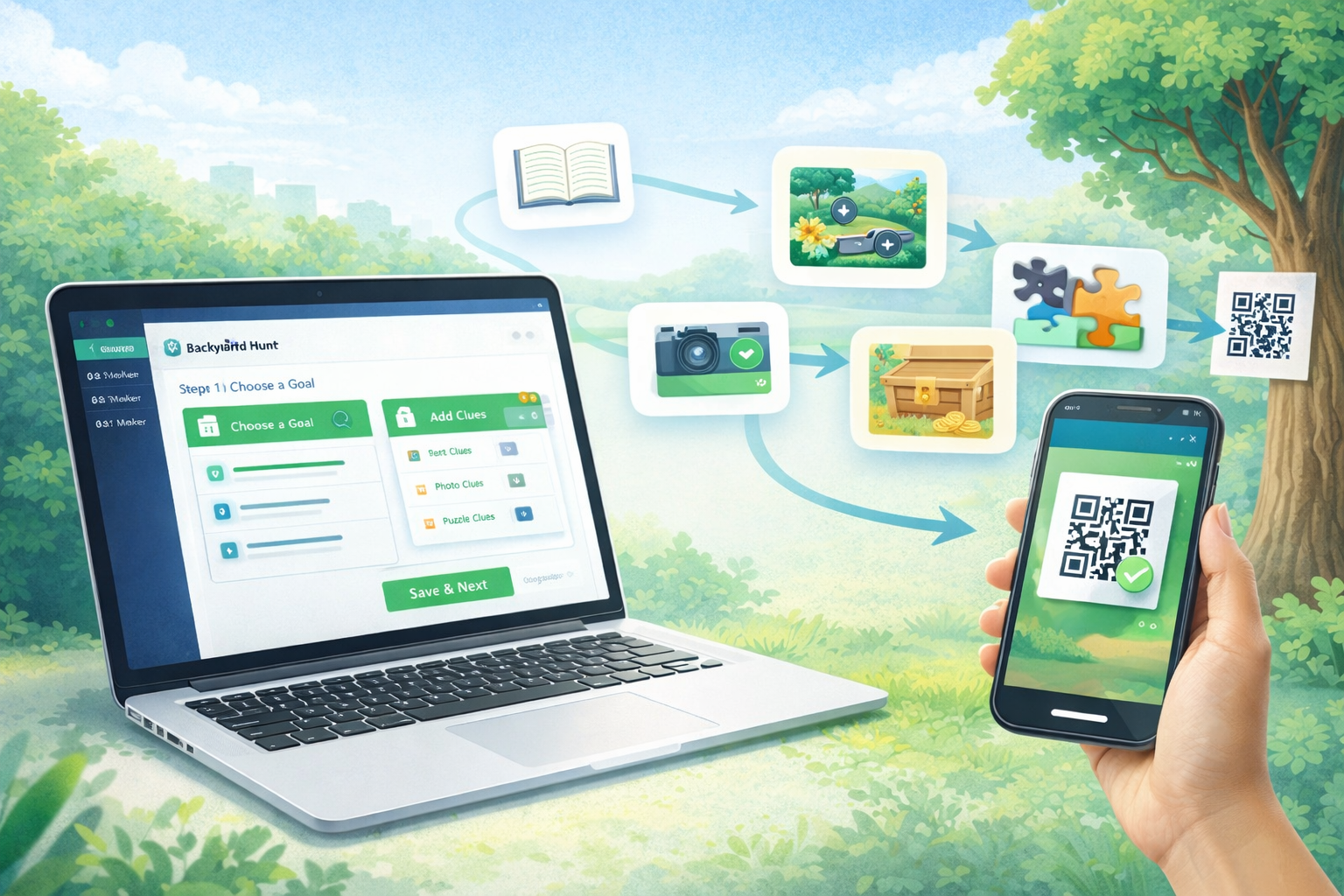
Need an online scavenger hunt maker that actually works on game day? This guide gives you a practical setup flow to build, test, and launch a complete hunt in about 20 minutes.
You can use the workflow for birthdays, classrooms, team-building events, and family weekends.
What to Look for in an Online Scavenger Hunt Maker
Before you choose a tool, confirm these basics:
- Fast setup for clues and locations
- Simple join flow for players
- QR code support for clue progression
- Easy editing when you need last-minute changes
- Works on both iOS and Android browsers/phones
If one of these is missing, setup friction usually grows fast.
20-Minute Setup Plan
1. Define the win condition (2 minutes)
Choose one goal:
- Reach final treasure
- Solve final code phrase
- Complete all stations fastest
2. Pick 6 to 10 clue locations (4 minutes)
Route design tip: alternate easy and medium stops so players stay motivated.
3. Add clue progression (7 minutes)
Use this order:
- Easy opener
- Location clue
- Puzzle clue
- Action clue (photo/find)
- Hard clue
- Final clue
4. Add QR checkpoints (4 minutes)
Print or place QR checkpoints where each solved clue sends players next.
5. Run one full test (3 minutes)
Test with two different phones before sharing.
Ready-Made Puzzle Inserts
Use these free puzzle formats to improve clue quality quickly:
Common Issues and Fixes
Players get stuck early
Fix: make clues 1 and 2 obvious and confidence-building.
QR scans fail outside
Fix: increase code size and avoid glossy print surfaces.
Route takes too long
Fix: remove one mid-route stop and tighten clue wording.
Too much reading for kids
Fix: switch to picture hints and short clues.
Suggested Internal Route for Better Topic Coverage
Link this page with your existing cluster:
- Scavenger Hunt Ideas for Kids, Adults, Schools and Events
- How to Make a Scavenger Hunt
- Best Scavenger Hunt Mobile App Guide
This helps users move from planning to execution without leaving your ecosystem.
Start Building
Create your first game here: Backyard Hunt
FAQ
What is an online scavenger hunt maker?
It is a tool that helps you create clue sequences, player routes, and challenge progression digitally, often with links or QR checkpoints.
How many clues should I use?
For most events, 6 to 10 clues is ideal.
Can I run this for classrooms and team events?
Yes. The same flow works for schools, birthdays, and workplace team-building with only minor clue adjustments.