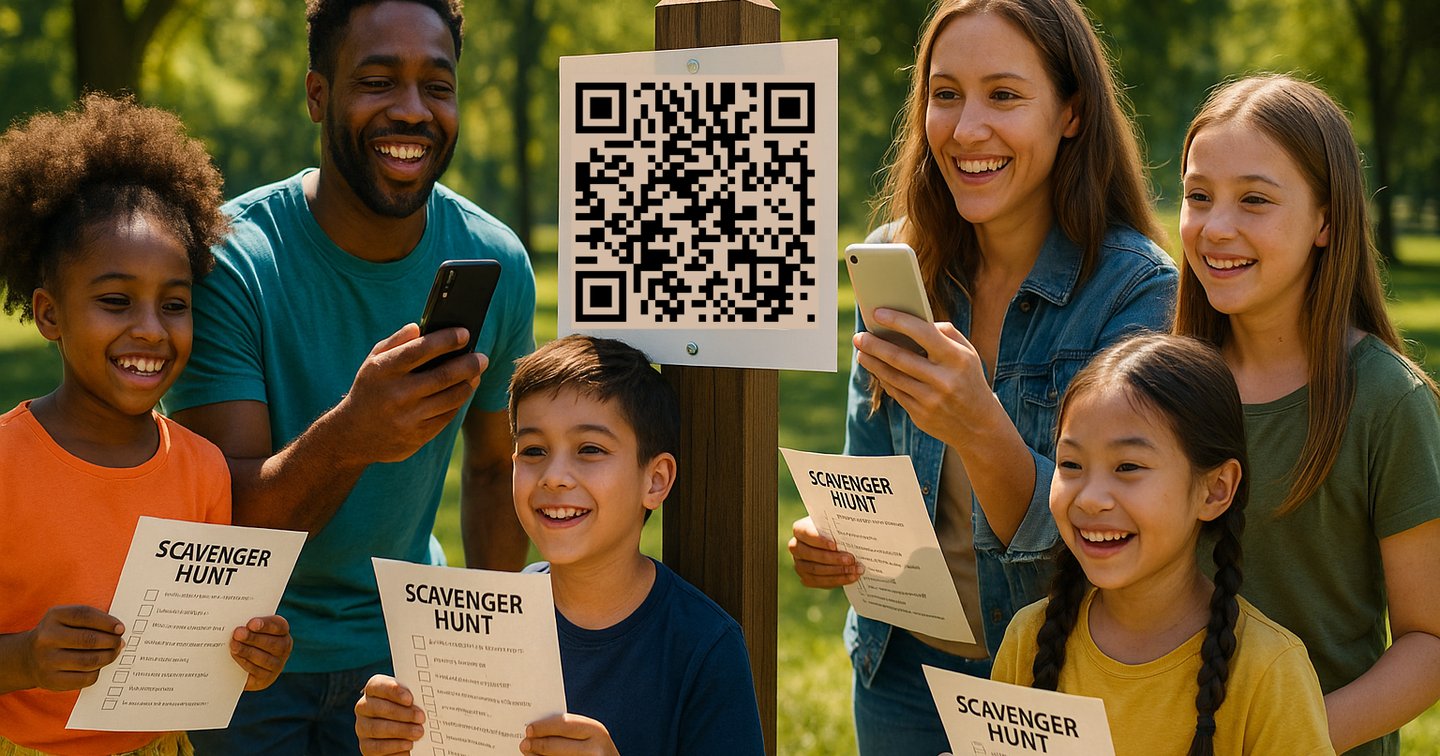
A birthday scavenger hunt party gives you a full activity, not just a 20-minute game. If you structure it well, it becomes the main event: kids stay engaged, adults have a clear plan, and you avoid last-minute chaos.
This guide gives you a complete blueprint plus clue examples you can copy into Backyard Hunt.
Quick answer: how to run a birthday scavenger hunt party
Use this simple framework:
- Pick one game format (photo list, clue trail, or QR code route).
- Set a 45-60 minute target runtime.
- Build 8-12 clues with easy-to-hard progression.
- Split players into teams of 2-4.
- Give each team the same start clue and scoring card.
- End with one finale clue that reveals cake, gifts, or prize box.
If this is your first game, use one location only (home + yard, or one park zone).
Ages 6-8: picture-first hunt
- Use photos and icon prompts.
- Keep clues short: one sentence each.
- Goal: find items, not solve hard riddles.
- Runtime: 25-35 minutes.
Ages 9-12: clue-and-challenge hunt
- Mix riddles with mini tasks.
- Add light team competition.
- Use 8-10 clues plus 2 bonus clues.
- Runtime: 35-50 minutes.
Teens: mission-based hunt
- Use route clues, time limits, and points.
- Add creative tasks (short video, puzzle solve, code break).
- Use 10-14 clues with 2 fake paths.
- Runtime: 45-70 minutes.
Adults/family mixed groups
- Use role-based teams (navigator, clue reader, photographer).
- Add themed constraints (no talking for 2 minutes, only one hint allowed).
- Keep clues witty but solvable.
- Runtime: 45-60 minutes.
35 birthday scavenger hunt clues you can reuse
Customize nouns to your location (porch, garage, kitchen, tree, picnic table).
- I am cold, I hum all day. Look where snacks and juice trays stay. (Refrigerator)
- I have numbers, I might beep too. Come press a button, clue waits for you. (Microwave)
- We open wide and guard the street. Check where shoes and welcome mats meet. (Front door)
- You sit on me when feet need rest. Search where cushions are the best. (Sofa)
- Soap and bubbles live with me. Find the next clue where hands get clean. (Bathroom sink)
- I spin your clothes, then make them dry. Look where laundry piles get high. (Washer/dryer)
- I hold your plates and spoons in rows. Open me up; your next clue shows. (Kitchen cabinet)
- I make things hot with a fiery glow. Peek where pans and kettles go. (Stove)
- I keep books and stories tall. Find the clue on my middle wall. (Bookshelf)
- I guard your dreams from dusk till light. Search beneath where you sleep at night. (Bed)
- I keep your wheels safe from rain. Check where bikes or cars remain. (Garage)
- I grow green and need a trim. Find your clue where grass looks prim. (Yard)
- I hang and sway when breezes play. Look where towels dry each day. (Clothesline)
- I hold tiny treasures in every drawer. Check where socks sleep on floor four. (Dresser)
- I buzz and ring with every call. Find the clue near charging wall. (Phone charging spot)
- I am loud when movies start. Search near remotes to play your part. (TV stand)
- I hide your coats when weather is rough. Check hooks and pockets and puffy stuff. (Coat rack/closet)
- I keep trash out of sight. Lift my lid and read what's right. (Trash bin area)
- I sparkle bright when dishes are done. Look where cups dry after fun. (Dish rack)
- I hold your frozen treats and ice. Open me once, not twice. (Freezer)
- I stand outside and mail comes through. Check where letters wait for you. (Mailbox)
- Birds visit me when seeds are near. Find your clue where chirps you hear. (Bird feeder)
- I shade your games on sunny days. Search where patio furniture stays. (Patio)
- I bounce and spring and launch you high. Check where feet can almost fly. (Trampoline)
- I grow flowers in a row. Next clue waits where petals glow. (Garden bed)
- I spray water in a fine mist. Look near the hose you can't resist. (Hose reel)
- I glow at night beside your bed. Check where bedtime books are read. (Bedside table)
- I hide behind a curtain bright. Search where windows frame the light. (Window sill)
- I keep tools in organized rows. Find the clue where hammer goes. (Toolbox)
- I carry picnics to the park. Open me up and leave your mark. (Picnic basket)
- I am where birthday candles shine. Check near plates in party line. (Dining table)
- I hold your games and board game fun. Look where dice and cards are spun. (Game shelf)
- I am full of bubbles and play. Search where bath toys end the day. (Bathtub area)
- I mark the score and keep team fame. Look near the board that tracks the game. (Scoreboard wall)
- Final clue: You solved them all with speed and art. Your birthday prize is where we start. (Party table/start point)
Scoring system that keeps the party moving
Use simple scoring so everyone understands it immediately.
- 10 points: clue solved without hint
- 7 points: clue solved with one hint
- 4 points: clue solved after second hint
- +5 bonus: creative photo/video challenge complete
- -2 penalty: unsafe behavior (running in restricted area, climbing furniture)
Tie-breaker: first team to solve the final clue.
60-minute birthday scavenger hunt party timeline
- 0:00-0:10: team assignment, rule briefing, start clue
- 0:10-0:40: main hunt route
- 0:40-0:50: final clues + score tabulation
- 0:50-1:00: prize reveal, cake transition, group photo
This schedule works for 8-20 participants with one host and one helper.
Setup checklist (copy this)
- Choose one location map and mark no-go zones.
- Prepare 8-12 clue cards plus 2 spare backup clues.
- Print or open a score sheet for each team.
- Pack hint cards for stuck teams.
- Define one clear finish trigger (treasure box, cake table, or gift reveal).
- Test the full route once before guests arrive.
Use Backyard Hunt to run it digitally
If you want less paper and easier pacing, run the party in the app:
- Add clues in sequence with optional hints.
- Gate each clue by task completion.
- Use QR checkpoints for faster team verification.
- Duplicate your template for future birthdays.
Related guides:
Common birthday hunt mistakes to avoid
- Too many clues for the time available.
- Clues that require adult knowledge for kid groups.
- Hiding clues in unsafe or off-limits places.
- No backup route for weather changes.
- No clear ending moment.
A strong birthday scavenger hunt party is not about complexity. It is about clear flow, steady momentum, and an ending that feels like a win.
If you keep clues short, pacing tight, and the finale obvious, guests remember the game as the best part of the party.