How to Make a Scavenger Hunt: Step-by-Step Plan for Home, School, and Events
If you are wondering how to make a scavenger hunt without spending all day planning, this guide gives you a repeatable method you can run in 30 to 45 minutes.
You can use the same structure for kids' birthdays, classroom activities, family weekends, and team-building events.
Quick Answer: How to Make a Scavenger Hunt
Use this sequence:
- Pick one clear win condition.
- Choose 6 to 10 locations in a logical route.
- Write clues from easy to hard.
- Add one puzzle or QR checkpoint every 2 to 3 stops.
- Test once on a second phone before launch.
That flow prevents most game-day issues.
Step 1: Define the Win Condition
Before writing clues, decide what "winning" means:
- Reach the final treasure first
- Complete every station in order
- Solve a final code phrase
A single goal keeps clue wording consistent and prevents confusion.
Step 2: Choose Your Route and Stop Count
For most groups, start with 6 to 10 stops.
- Ages 6 to 9: 5 to 7 stops
- Ages 10 to 14: 7 to 10 stops
- Teens/adults: 8 to 12 stops
Route rules that work:
- Keep walking time short between stops
- Alternate easy and medium clue difficulty
- Place the strongest reveal at the final stop
If you are running a mobile flow, use Backyard Hunt to map stops and reorder quickly.
Step 3: Write Better Clues in 5 Formats
Use a mix of clue types so the game does not feel repetitive.
1. Direct location clue
Best for opening confidence.
Example: "Where shoes wait by the door, your first clue is on the floor."
2. Riddle clue
Best for middle game challenge.
Example: "I have pages but I am not a tree. Find me where stories sleep."
3. Puzzle clue
Best for 1 to 2 high-engagement moments.
Use ready printables:
4. Action clue
Best for energy and movement.
Example: "Do five jumping jacks, then check under the garden bench."
5. QR clue
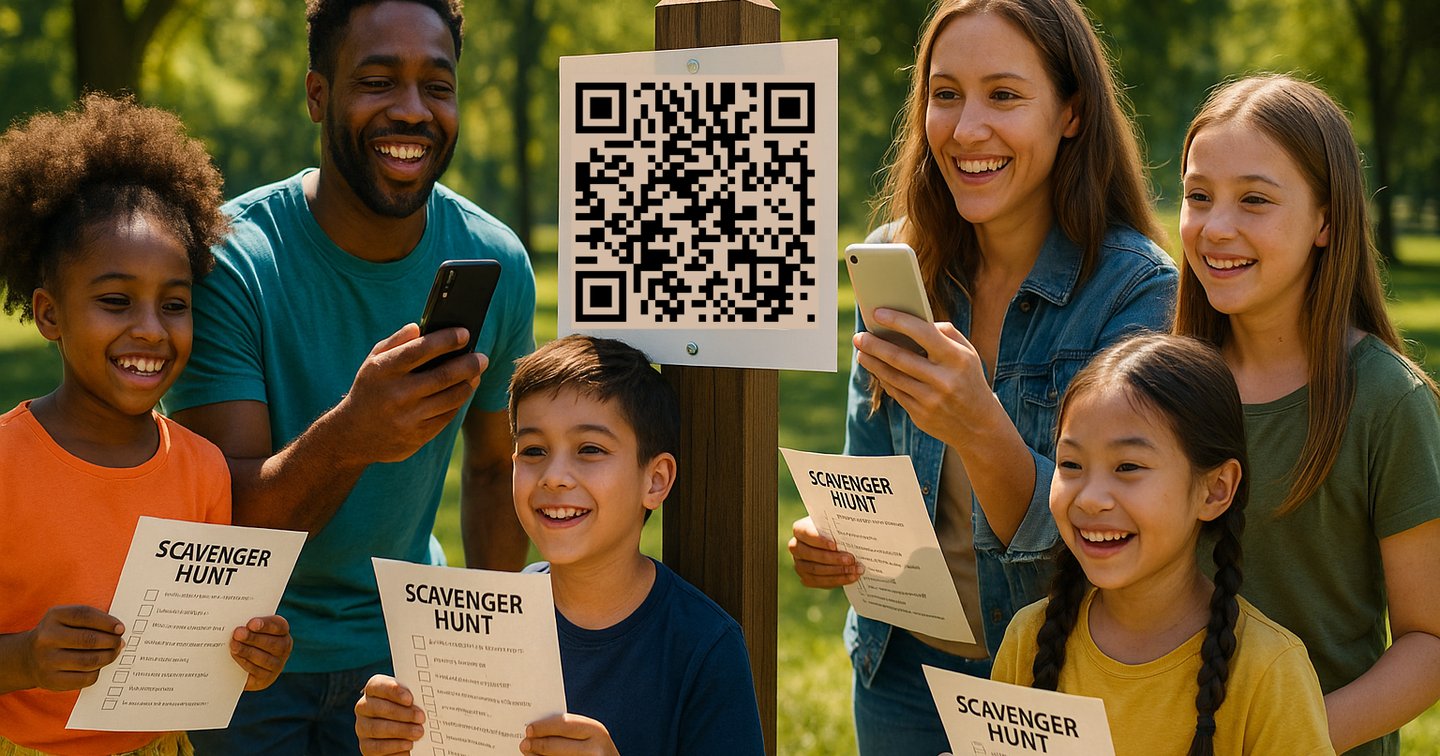
Best when you want fast progression and easy updates. Place a QR code at a stop, then unlock the next clue digitally.
See full setup details in QR Codes.
Step 4: Build a Balanced Difficulty Curve
Use this order for most events:
- Easy opener
- Easy location clue
- Medium riddle
- Puzzle or QR clue
- Medium/hard clue
- Final reveal clue
If players struggle in the first two clues, drop complexity immediately. Momentum matters more than perfect clue design.
Step 5: Add Theme and Rewards
A simple theme improves engagement quickly.
Theme ideas:
- Pirate map challenge
- Secret agent mission
- Classroom subject quest
- Backyard explorer trail
- Holiday challenge (Halloween, Easter, Christmas)
Reward ideas:
- Small candy pack or stickers
- Team points and certificates
- "Unlock the chest" final box
- Choice-based reward (movie, snack, game pick)
Step 6: Test Before You Share
Do one full rehearsal before players start.
Check this list:
- Every clue is readable in under 15 seconds
- QR codes scan in shade and bright light
- Route order is correct
- Final reward is in place
- Backup hint exists for clues 3 and 4
For private events, use share links instead of public posting. Related guide: Shared Private Hunts.
Ready-to-Use Setup Templates
Indoor Home Hunt (30 minutes)
- 6 stops
- 2 direct clues
- 2 riddles
- 1 puzzle
- 1 final reveal
Classroom Hunt (35 minutes)
- 8 stops
- 3 subject-based questions
- 2 movement prompts
- 2 QR checkpoints
- 1 final team puzzle
Team Event Hunt (45 minutes)
- 10 stops
- Mixed clue types
- Pair tasks that require collaboration
- Time bonus for clean completion
Common Mistakes and Fast Fixes
Mistake: Clues are too hard too early
Fix: make clues 1 and 2 direct and obvious.
Mistake: Route takes too long
Fix: remove one middle stop and shorten clue text.
Mistake: QR scans fail outdoors
Fix: print larger codes and avoid glossy surfaces.
Mistake: Players skip instructions
Fix: add one short "How to play" card at start with 3 rules only.
Related Guides
- Online Scavenger Hunt Maker: Build and Run a Game in 20 Minutes
- Best Scavenger Hunt Mobile App: How to Build a QR Code Hunt in 15 Minutes
- Scavenger Hunt Ideas for Kids, Adults, Schools and Events
FAQ
How many clues should a scavenger hunt have?
Most events run best with 6 to 10 clues. Use fewer for younger kids and more for adult teams.
How long should a scavenger hunt last?
A practical target is 20 to 45 minutes depending on age group and route size.
What is the easiest way to make a scavenger hunt?
Start with a clear goal, choose 6 to 10 locations, and use a simple easy-to-hard clue order. Digital tools with QR support reduce setup friction.
Can I make a scavenger hunt without printing?
Yes. You can run fully digital clues and checkpoints with a mobile-first flow.
Start Your Hunt
Build your first game now: Backyard Hunt